RECIPE DECODER
Too much filler:
Bloggers are incentivized to use more words in order to allow for greater advertisement real estate.
As a result, you as the reader, wind up learning about the writer’s fondness for yellow squash, because it helped ease their Dachshund, Aflred’s stomach ache last August – pointless filler.
All you wanted to know was how much cinnamon to add to your bread!
The Problem:
Following recipes online is clunky. It’s hard to keep up with the speed of short form videos, and finding the useful information in a blog is equivalent to solving a puzzle.
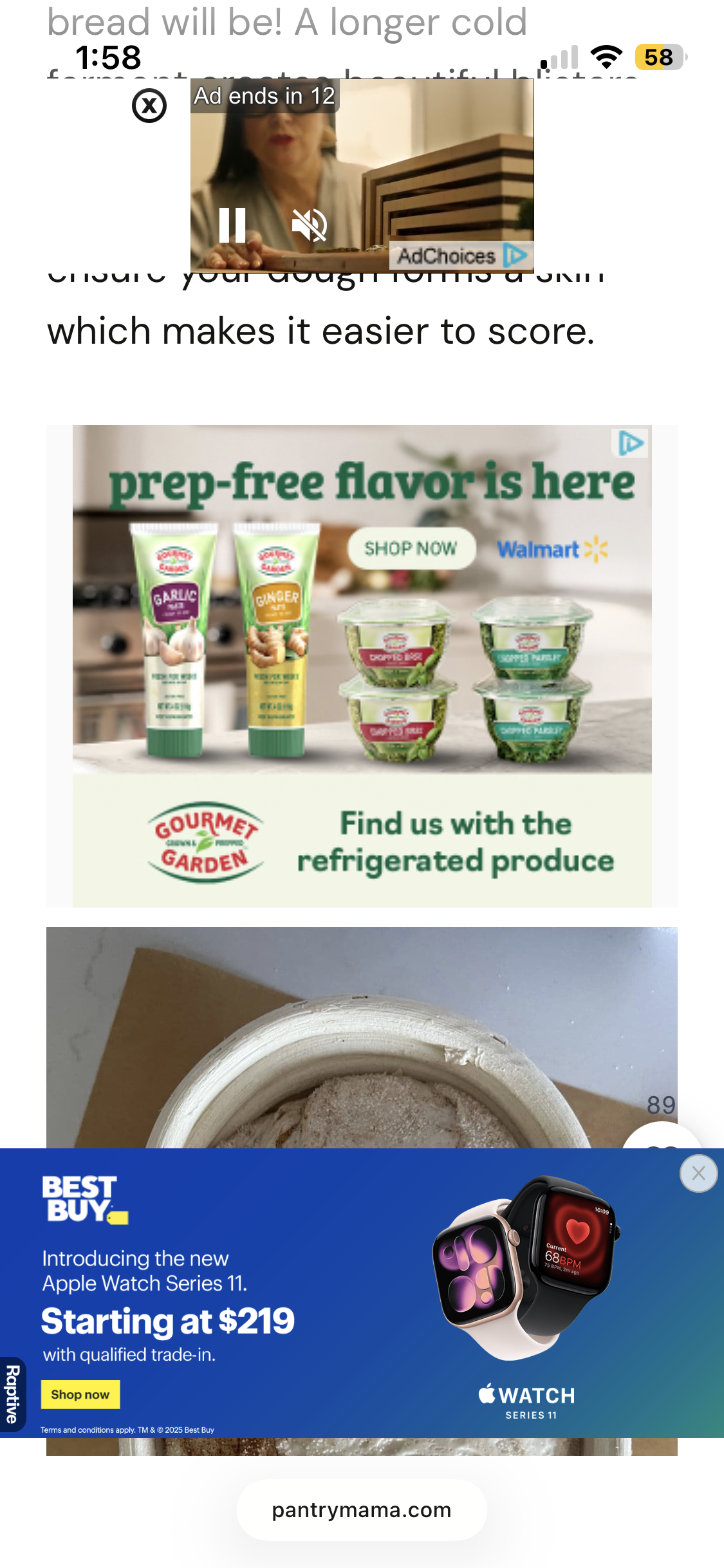
Death by ads:
Pop up banners can appear on the top and bottom of the display. Embedded ads within the blog are scrolled to, and the combination may take up nearly all of the viewing area.
Videos on loop:
Do you find your recipe’s in short form videos? Facebook/Instagram reels, TikTok, or Youtube shorts?
Trying to follow along requires rewatching an endless loop of the same video. Hearing the same song 47 times in a row, or being driven crazy from the creator’s voice, or their mispronunciation of milk.
Before:
Flashy, fast-paced, different layout for each video, difficult or impossible to rewind, often vague measurements
After:
Simple, static, plain English (with a link to the original for reference to techniques)

The Solution is an AI-powered application that sifts through the fluff and yields the essentials in an easy to follow format.
AI is a buzz word, but what does this actually mean?
Using a LLM (large language model), the application read through the text found in the post, link, or site, and then:
Remove irrelevant details
Distill recipe instructions, using 5 words or fewer when possible
Categorize each dish based on the most prominent ingredient type
Estimates prep/cook times if not provided
Building Trust
In order to help the user trust that AI has successfully garnered the recipe, there is a review moment which sites its sources. A highlight is placed on the original content while the ingredient or procedure is simultaneously added to the decoded recipe card.
This prevents one of two pain points:
The user having to carefully compare the recipe card to the source
The user blindly following the recipe card only to find out in the end, it is incorrect. Yuck.
Simplifying the process
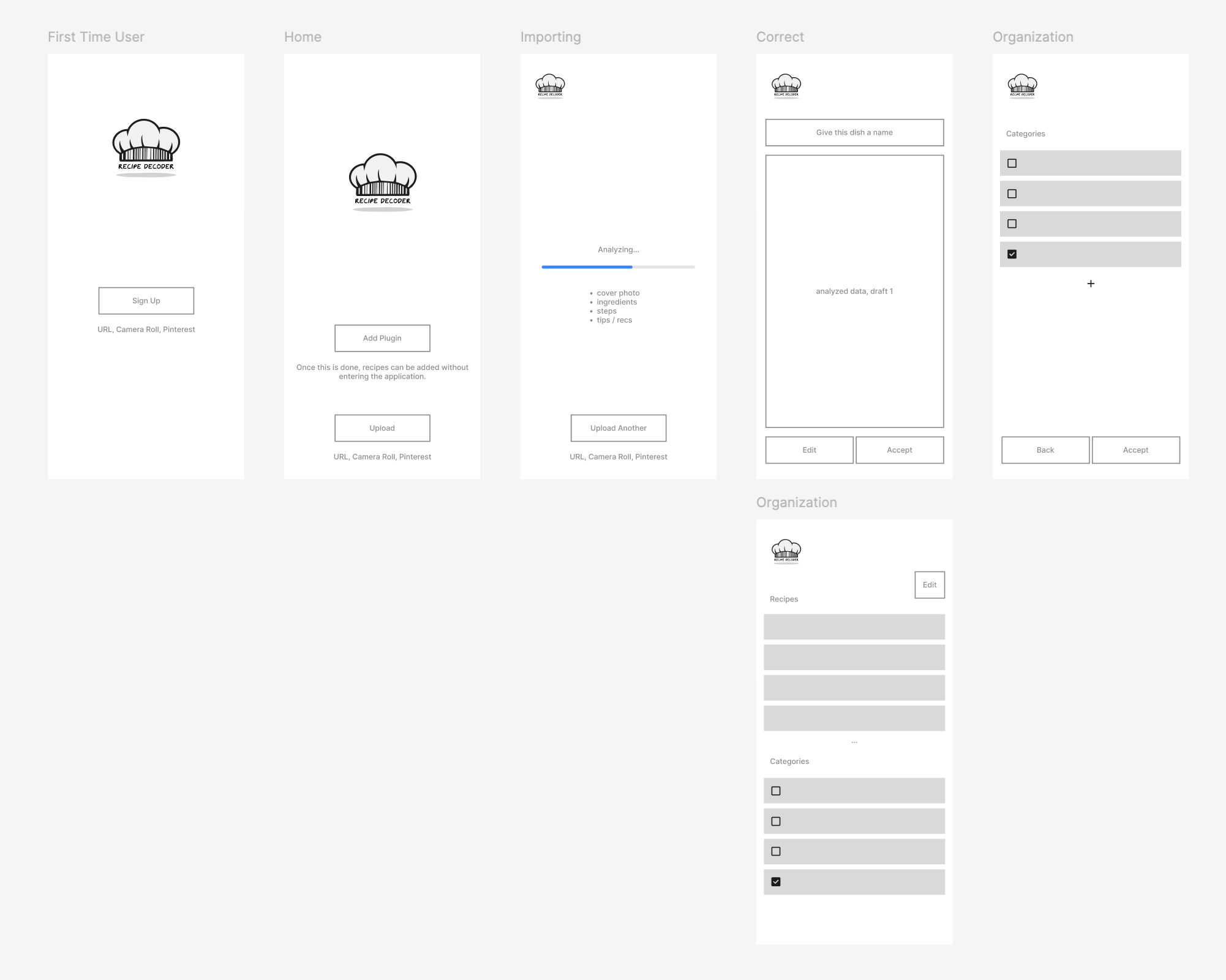
Trying to make this as simple as possible, I minimized the number of navigation options. Once logged in, there need only be a single decision between two possible choices:
Decode a new recipe
Reference your existing library
Colors and Theming
Startup is meant to feel like a clean industrial kitchen, while the decoded recipes use simple colors with a general feel of an old physical recipe card, providing a sense of ownership. Subtle hints of useful color help to categorizing the meals.

Inspiration


Using the Ai app builder, Base44, I prompted the construction of a working application, as I had envisioned it.
Ongoing improvements are in progress, however the basics are established. Any post or site with a recipe textually present will be decoded into a simple easy to understand format.
Prompt to Application Creation
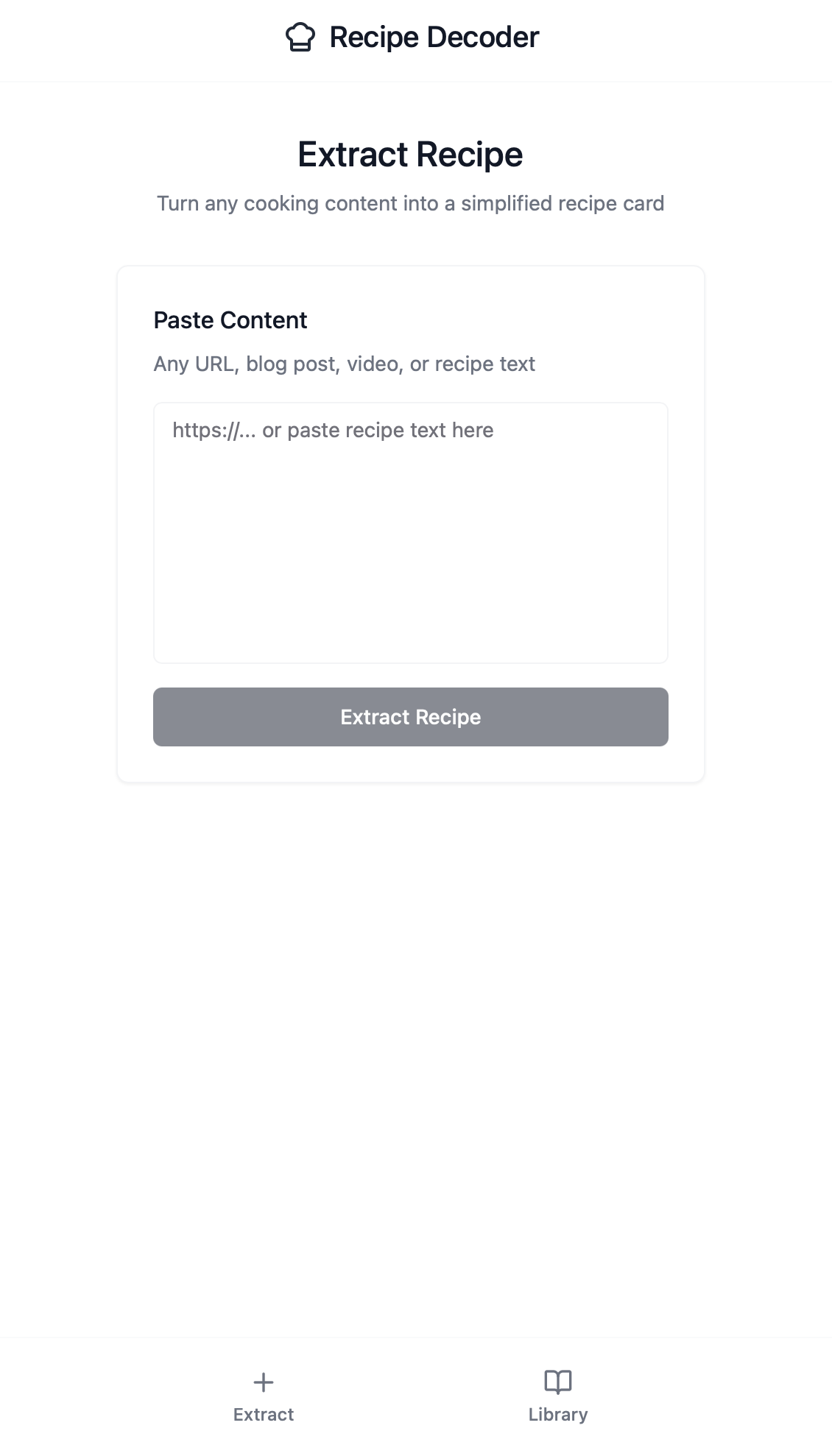
*Please note: at this time, 12-17-2025, videos not accompanied by a textual recipe, are not functional.
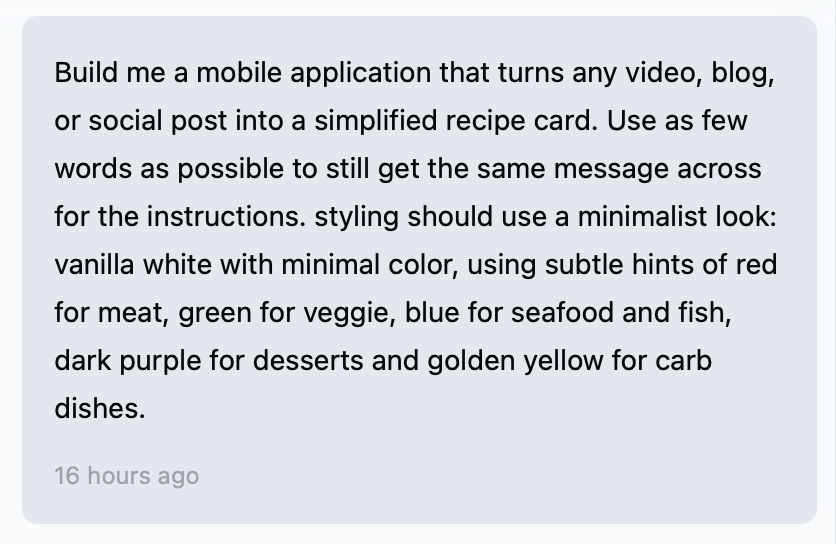
The prompt: